

One platform for the whole document journey
From the moment a document arrives to the data in your system. Five steps you configure your way, and for every document you see where it is right now.
Five steps
From intake to delivery. Each step has its own page with details.
- Intake Email and upload API and link Duplicates and antivirus Intake
- Extraction Your template Field confidence scores Document type Extraction
- Validation Your reference data ERP, ARES, and exchange rates Stop or warn Validation
- Approval Amount and cost center Deadlines and handover Audit history Approval
- Delivery ERP and storage Test delivery Status and retries Delivery
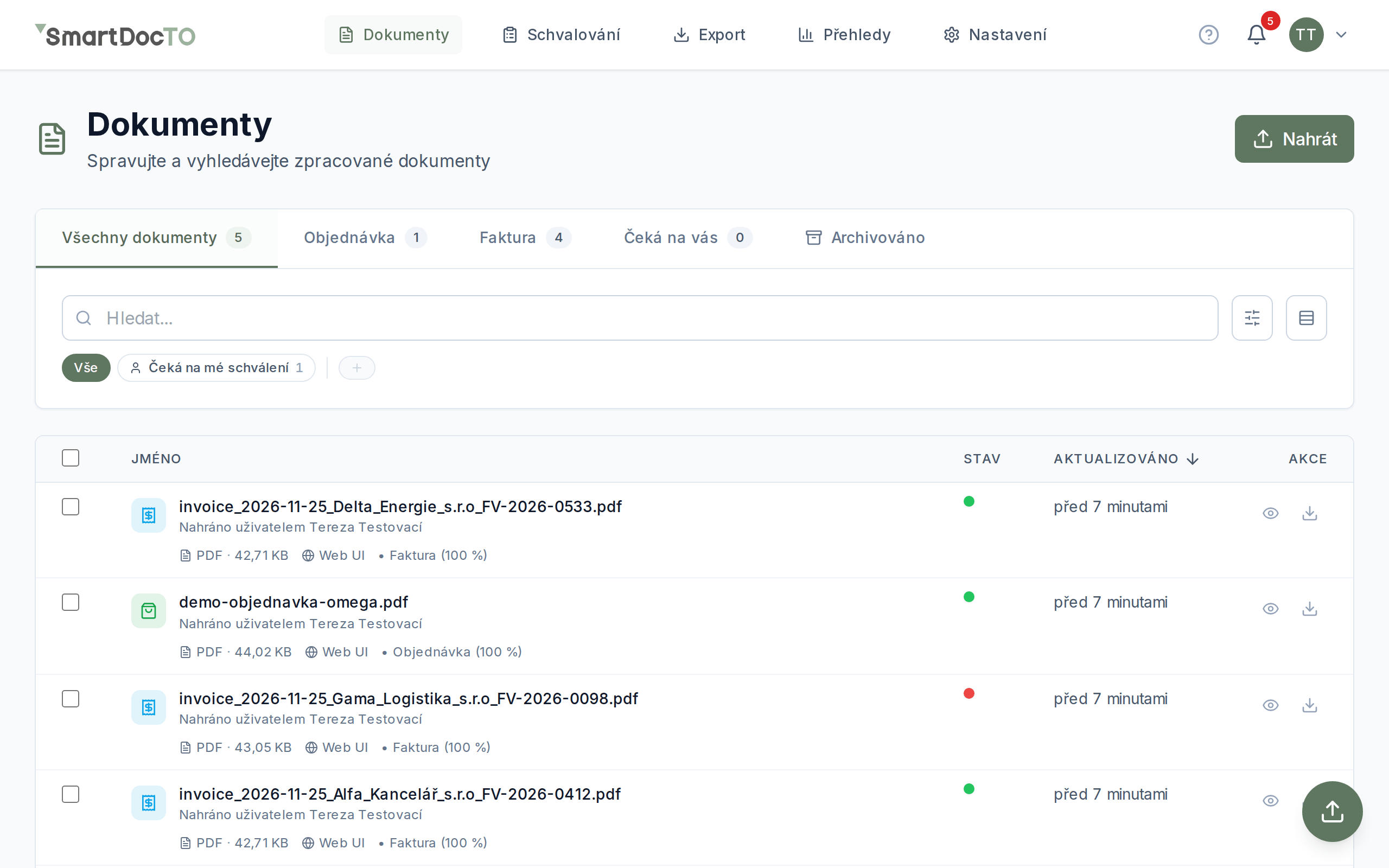
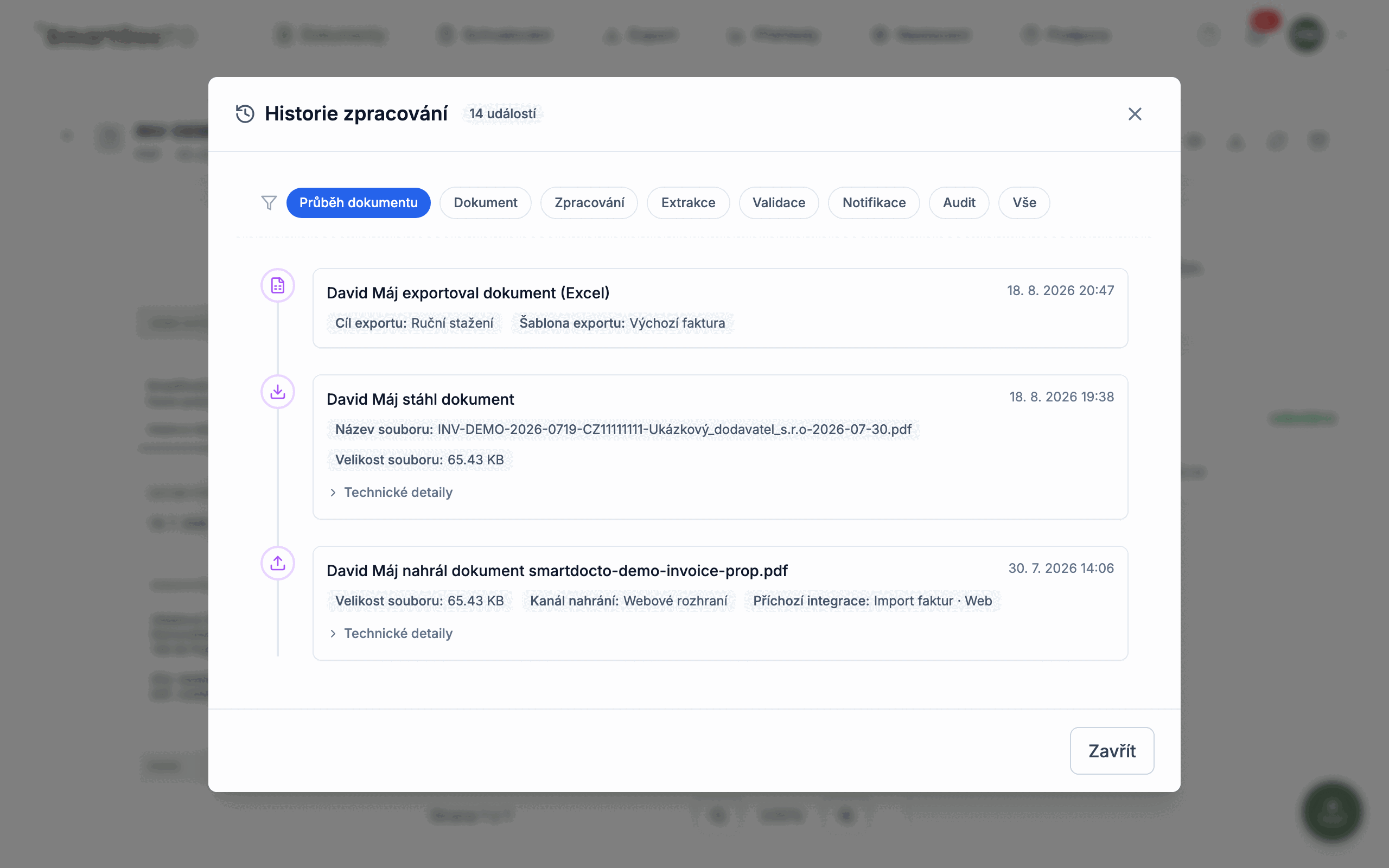
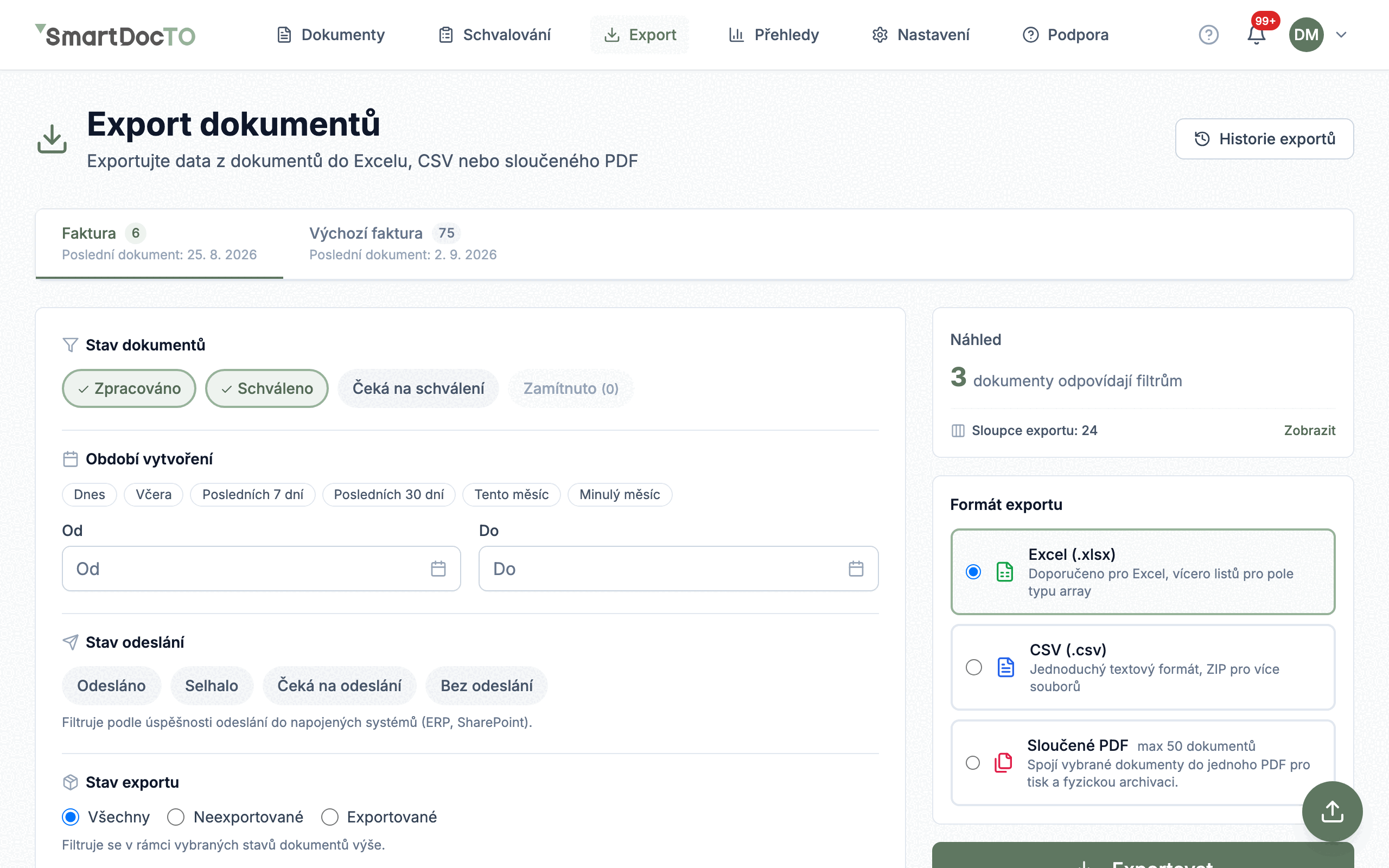
How it looks in the app
Real SmartDocTO screens.
What the platform can do
The details that save the most work in practice.
Intake
Shared mailboxes in Microsoft 365, an API for your systems, a supplier link, and manual upload.
Depending on your settings, it also processes the email text, merges PDF attachments into one document, and moves the email to a folder.
It recognizes an order, an invoice, and a delivery note. When it is not sure, the document waits for a person.
Extraction
You define fields and line items in the template, and the data format for your system in the delivery settings.
Spaces, diacritics, capitalization, and leading zeros do not cause false errors during validation.
It checks quantity times price on every line item and the totals, with an adjustable tolerance.
Validation
A rule checks that the invoice has a matching received order or delivery note.
If the order is not in the reference data yet, the platform repeats the check at the interval you set until the data arrives.
A deviation that may not be an error moves on and stays on the document as a warning.
Delivery
Each file is named by your pattern, for example supplier, number, and date.
If the ERP does not respond in time, we flag the document, and you resend it only after checking.
It pulls them on its own schedule and confirms receipt of each document. You see right away what it already has.
Platform foundation
Applies to every document, whether it is an order or an invoice.
Frequently asked questions
Do we have to change our ERP?
No. We send the data through REST API, SharePoint, or SFTP, or your system pulls it on its own through our API.
Can it handle documents other than invoices?
Yes. For each document type, you set a template, rules, and a destination. Orders, delivery notes, timesheets, and your own forms.
Who sets up the templates and rules?
During the pilot, we set them up together with you. After that, you edit them yourself, and templates keep their versions.
Does AI make decisions for us?
No. AI prepares and checks the data; a person always approves.
Try it on your own documents
A free pilot we set up together with you on your samples.