

Verified data straight into your system
After approval, SmartDocTO sends the data and the file where they belong: to your ERP through a REST API, to SharePoint or OneDrive, to SFTP, or your system pulls them on its own. For every document, you see whether it arrived.
Where we deliver the data
Choose the route based on what your system supports. You do not have to change your ERP.
Set up the route and file naming once
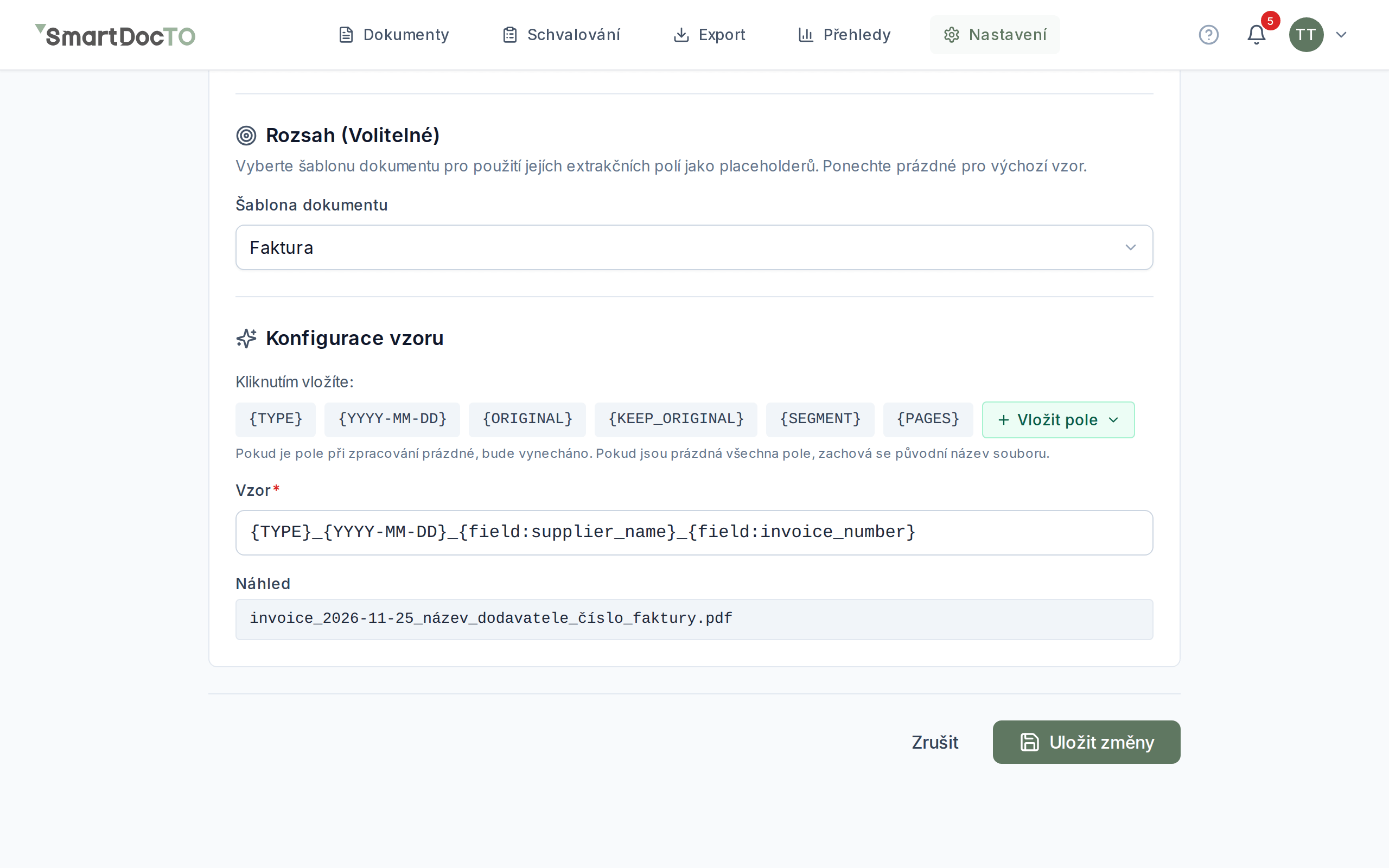
Choose where to send documents and set file names with a naming pattern. You see a preview of the name right away.
What delivery can do
So the data reaches the right place, and you know it did.
File naming
No blind retries
Data pull API
Status and retries
Frequently asked questions
Which ERP systems can you connect?
Any ERP that accepts data through a REST API or files over SFTP, or that can pull them through our API. You define the data format in the delivery settings.
What if the ERP is not responding?
If the ERP returns an error or the connection fails, the delivery is retried automatically. If the ERP does not respond in time and it is unclear whether it received the document, we flag the document and do not blindly resend it.
Can we test delivery without risk?
Yes. For a REST API, you send test data and see your system's response right away. For SharePoint and SFTP, you test the connection and access to the target folder.
Try it on your own documents
A free pilot we set up together with you on your samples.