

Approvals without chasing signatures
The right person gets the document for approval based on amount, cost center, or type. They know when the decision is due, and when they are away, they hand the document to a colleague. Every decision stays in the history.
Rules decide who approves
Set them up once. After that, every document reaches the right person on its own.
Everything to approve in one place
Approvers see the original, the extracted data, and the validation result side by side, so they have everything they need to decide.
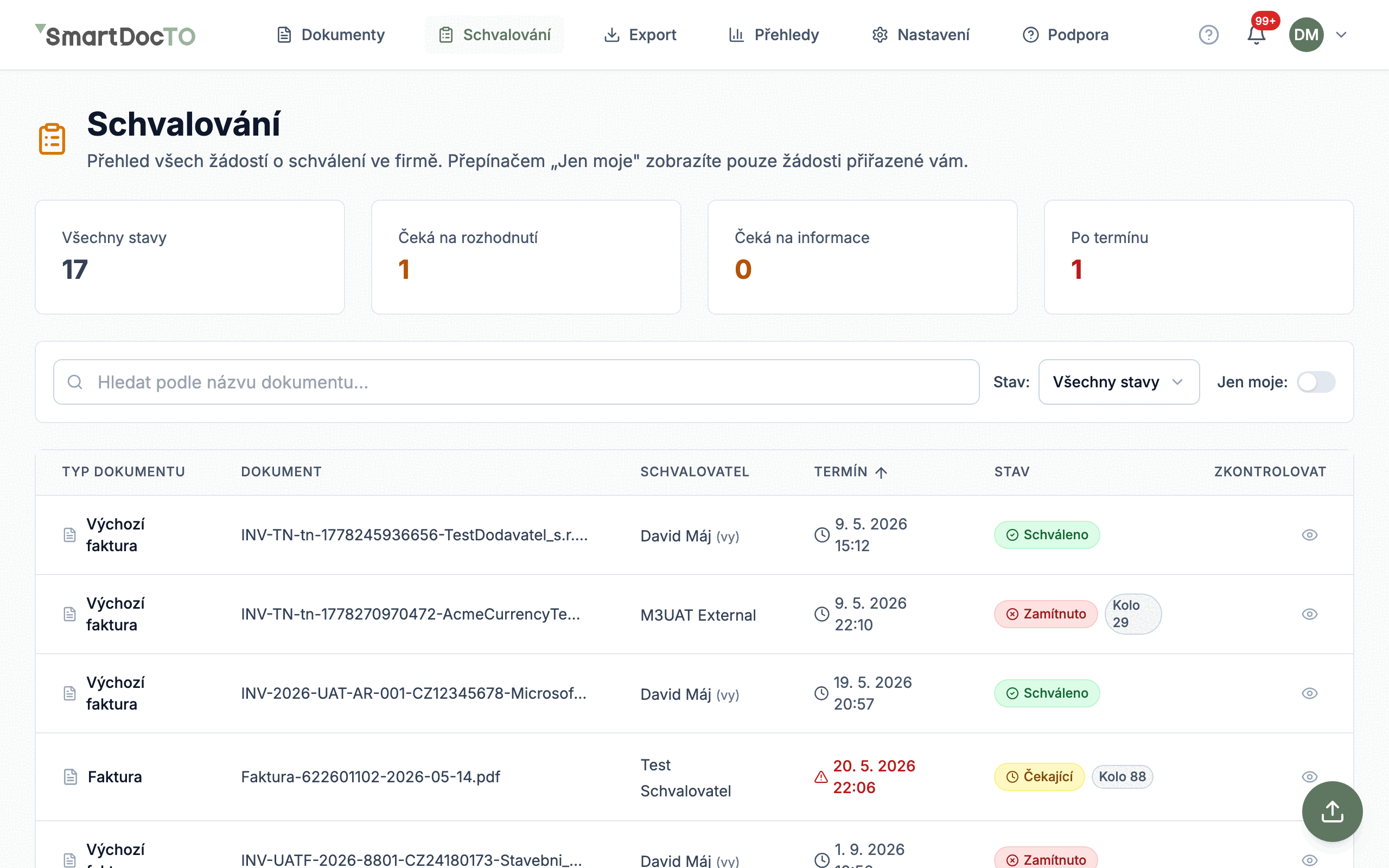
What approval can do
So nothing sits idle and it is always clear who decided.
Deadlines
Handover to a colleague
Notifications
Audit history
Frequently asked questions
Does AI decide on approval?
No. Rules determine which documents go to approval and to whom. A person always approves.
Can someone approve who does not work in the app every day?
Yes. An external approver sees only documents of the types you assign and the documents sent to them for approval. They have no access to your company settings.
What if an approver rejects the document?
The document does not reach the ERP, and the history shows who rejected it and why.
Try it on your own documents
A free pilot we set up together with you on your samples.